The New Dimension of Disk Optimization!

| |
 |
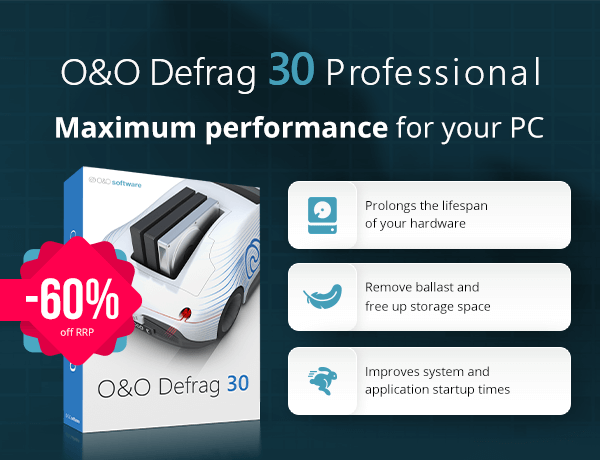 | | | O&O Defrag 30 Professional | You save 60% off RRP | Download version
Operating System: Windows® 11, Windows® 10 (x64) | | Maximum PC performance and extended lifespan for your hard drives and SSDs! | | O&O Defrag Professional brings a breath of fresh air to the world of disk defragmentation. With a variety of new features and enhancements, this software ensures your drives operate more efficiently and optimizes system performance. |  | | The new features at a glance: |  | Improved O&O IntensiveOptimize: Optimizes the entire Windows system even in safe mode, including locked files. | | New ARM Support: In addition to Intel and AMD processors, now also with native support for Windows PCs with ARM CPUs. | | Redesigned User Interface: Simplified operation, optimization, and automatic defragmentation with just one click. | | O&O VisualDisk (new): Visual representation of write access, especially for SSDs and NVMe drives, to better understand and optimize performance and lifespan. | | O&O StartupManager (newly integrated): Manage startup programs, tasks, and services including their impact on boot time; also detects and removes defective startup entries. | | | New: O&O's best optimization now with BitLocker support | | BitLocker support with IntensiveOptimize: Enables the use of the strongest optimization even on BitLocker encrypted system drives. Checking and repairing the Windows rescue environment: The rescue environment is essential for both a functioning Windows and Defrag IntensiveOptimize. On many computers, the Windows rescue environment is damaged, for example due to incorrect updates, and is therefore unusable. We have therefore expanded Check&Repair in O&O Defrag so that your Windows rescue environment works reliably like it did on day one. | 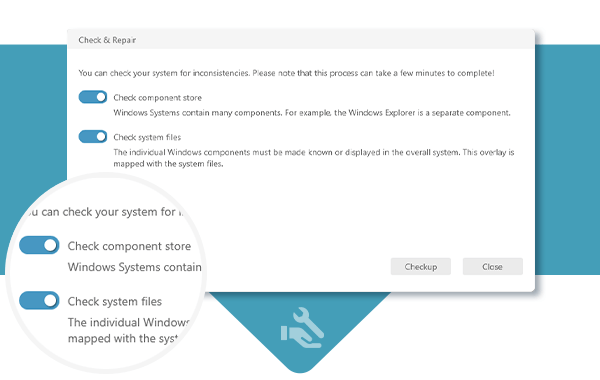 | | "Check & Repair" Function | | New also in the modern UI is the Check & Repair function. O&O Defrag Pro checks your hard drive or SSD for inconsistencies that can lead to problems. The component memory and the Windows system files are checked for errors. After the check is complete, O&O Defrag will show you whether and which errors were found. Most errors can be corrected directly with the repair function. | 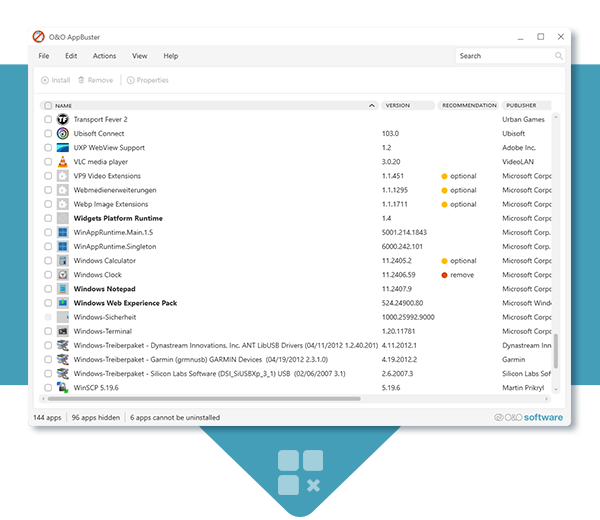 | | Remove unwanted Windows Apps with O&O AppBuster | | O&O AppBuster shows you which apps are installed on the computer, even hidden apps are displayed. O&O AppBuster lets you remove unwanted apps quickly and easily. Or, if one of these apps was accidentally uninstalled, it can be restored with just one click. | 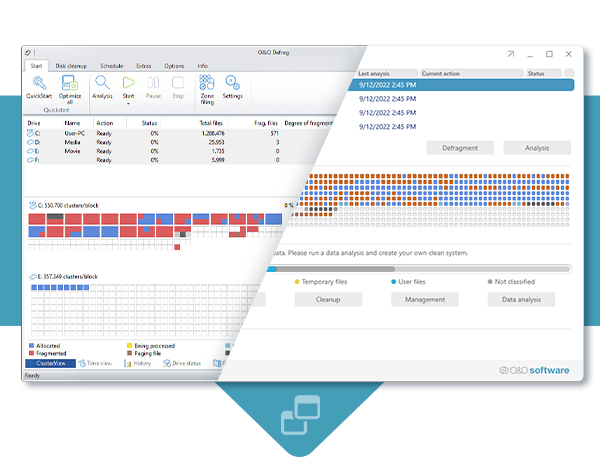 | | Two Interface styles, Classic & Modern! | | Brand new in O&O Defrag Pro is a choice of two interfaces: Classic and Modern! The Classic is the familiar UI, but we now offer a modern interface, much simpler and streamlined for set and forget fans. Simply choose your style and let O&O Defrag do the rest for you. In O&O Defrag Pro you can switch at any time between the classic view with all professional settings and the modern view reduced to the essentials. | 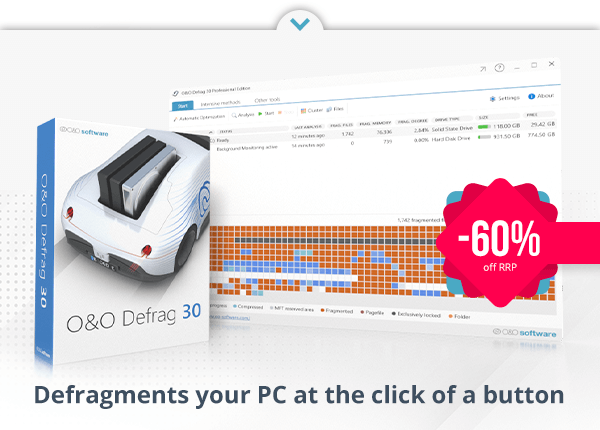 | | | O&O Defrag 30 Professional | You save 60% off RRP | Download version
Operating System: Windows® 11, Windows® 10 (x64) | |





Tidak ada komentar:
Posting Komentar